The recap
A written summary lands before the room clears — what was decided, what is still open, who is carrying it.
A GetMax product · Meeting operations
LISA sits in the meeting, writes the recap, and turns what was agreed into tasks in the tools your team already uses. Any team, any meeting.
Not a transcript dump. The things a sharp colleague would have written down for you, and then actually followed up on.
A written summary lands before the room clears — what was decided, what is still open, who is carrying it.
Everything anyone agreed to comes out as a task with a name and a date on it.
“What did we promise the client in June?” It answers from the transcript, not from a guess.
Product names, account names, the shorthand your team says out loud. A billing team gets CO‑197 and auth numbers; a sales team gets its own pipeline stages.
The email, the chat reply, the calendar hold. Written and waiting. You press send.
Book it, move it, cancel it from one chat box. It reads everyone's calendar before it answers.
Microsoft is connected today — that is where LISA reads the meeting and where the recap and the tasks land. The rest are next, and the page says which is which rather than showing you a wall of logos.
See what is connectedLISA picks up the words a team uses, so the write-up reads like one of you wrote it.
Daily calls turn into a list with owners and dates instead of a shared memory of what was said.
Learn more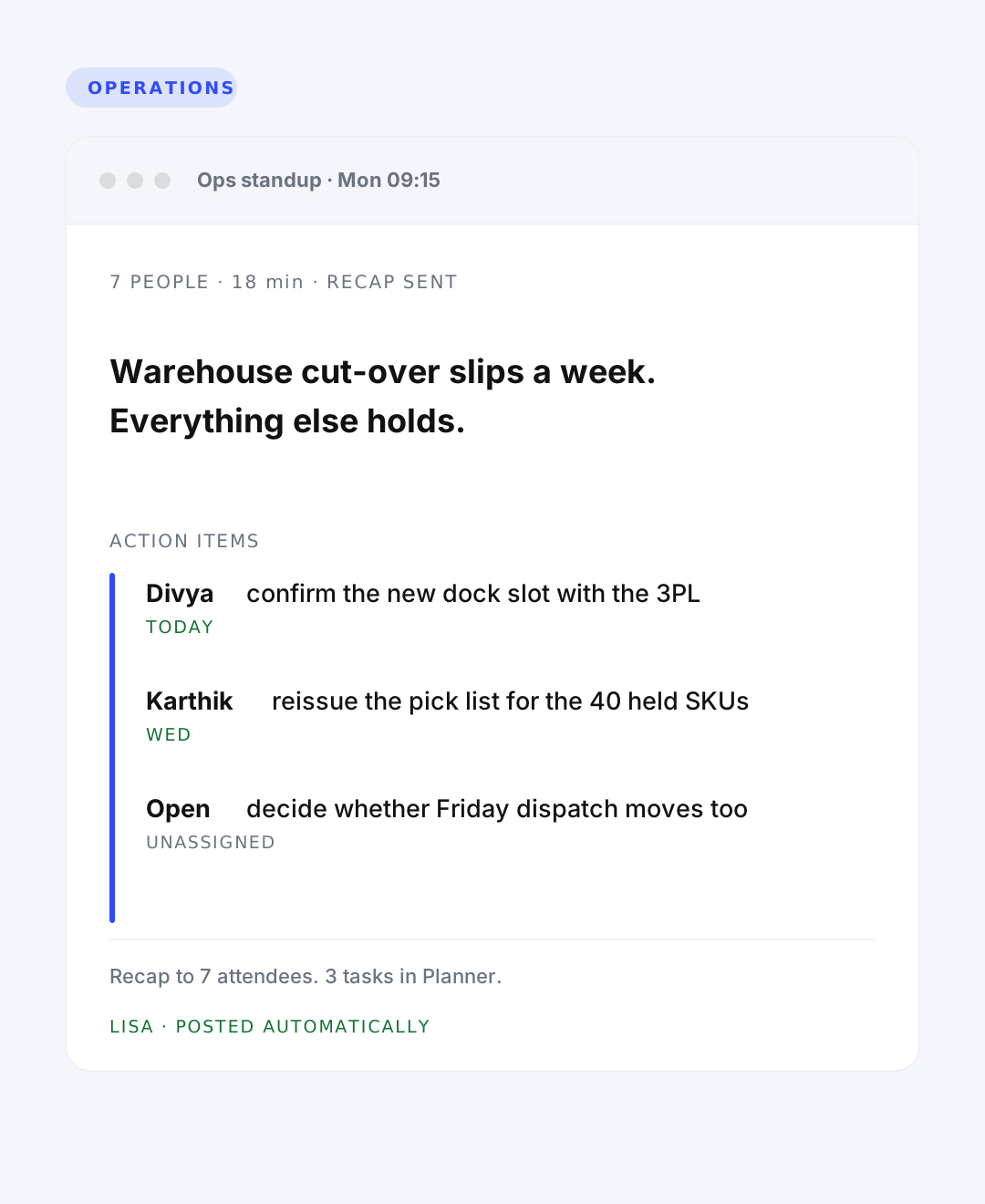
Invite → Follow-up
Six moments around a single call, in the order they happen — from what you needed to remember before it, to what you can ask about it a year later.
Context, pulled up
Last time’s open items, waiting before anyone joins.
Nothing in the room
No bot in the participant list. It arrives the way the calendar does.
Before the room clears
What was decided, what is open, who is carrying it.
Owner and a date
Into the tracker your team already opens every morning.
Drafted, not sent
Anything leaving your company waits for you to release it.
Searchable, cited
Ask across every meeting. Answers point back at the moment.

One assistant · From the invite to the follow-up
A meeting ends, everyone agrees, and then it lives in somebody’s memory. The decision drifts, the owner is unclear, and three weeks later the same hour gets spent again. Not because the team is careless — because writing it all down properly is a full job and nobody has it.
LISA exists so nobody on your team has to be the one taking notes — the write-up is done before the call ends.
Most tools take a recording and summarise it later. LISA is there while the meeting happens, so it knows who spoke, what was settled and what was left open — and the write-up is done before anyone has left the room.
Start freeSingle tenant. Your meetings sit in your instance, the models run on hardware we own, and a BAA is available if you need one.
It joins through the calendar your team already uses. No bot to invite, no plugin on anyone’s laptop, no new habit to teach.
Every team has its own shorthand. LISA picks up your accounts, products and codes, so the recap uses the language you would have used.
Transcription, decisions, owners, follow-ups and recall, all running on models we host ourselves. Nothing about your meetings is sent to somebody else’s API.
Start freeSpeech to text on hardware we own, tuned for accents, crosstalk and the words your team actually says. Indian English and code-switching included, because that is what our own calls sound like.
A separate pass reads the transcript for what was settled, what is still open, and who agreed to carry it — rather than compressing an hour into three bullet points.
The recap reads the way the person who runs your meetings would have written it. Plain sentences, real names, nothing padded.
Ask across every meeting you have had. The answer names the meeting and the moment, so you can go and check it.
They run on GPUs we own, not on someone else’s API. Your recordings and transcripts never leave the instance, and the cost of a meeting does not move when a vendor changes a price list.
Try it here
No sign-in. Pick a command and see the shape of the answer you would get after a real meeting.